The Ultimate Guide to Choosing the Perfect Desktop Wallpaper for Your Setup

Recent Trends in Desktop Wallpaper
Over the past several quarters, desktop wallpaper preferences have moved away from static, high-resolution photography toward more functional and adaptive visuals. Minimalist abstract patterns, dark-mode-optimized gradients, and subtle textures now dominate discussions among productivity-focused users. Meanwhile, animated and dynamic wallpapers—such as those that shift color temperature based on local time—have gained traction on both Windows and macOS platforms.

- Minimalism and clarity: Users increasingly choose low-contrast, non-distracting backgrounds to reduce cognitive load during long sessions.
- Dynamic scheduling: Software that adjusts wallpaper brightness or hue to match ambient light or time of day is now a common feature request.
- Dark mode alignment: More setups default to wallpapers with deep blacks or muted tones that complement system-wide dark themes.
Background: How Wallpaper Choices Evolved
Wallpaper selection was once a purely aesthetic decision—users picked a favorite photo or default OS image and rarely revisited it. With the rise of multi-monitor setups, ultrawide displays, and high-DPI screens, resolution constraints and aspect ratio mismatches became central pain points. Simultaneously, the growth of remote work and long screen time has shifted attention toward how wallpaper affects eye strain, focus, and even perceived system performance.
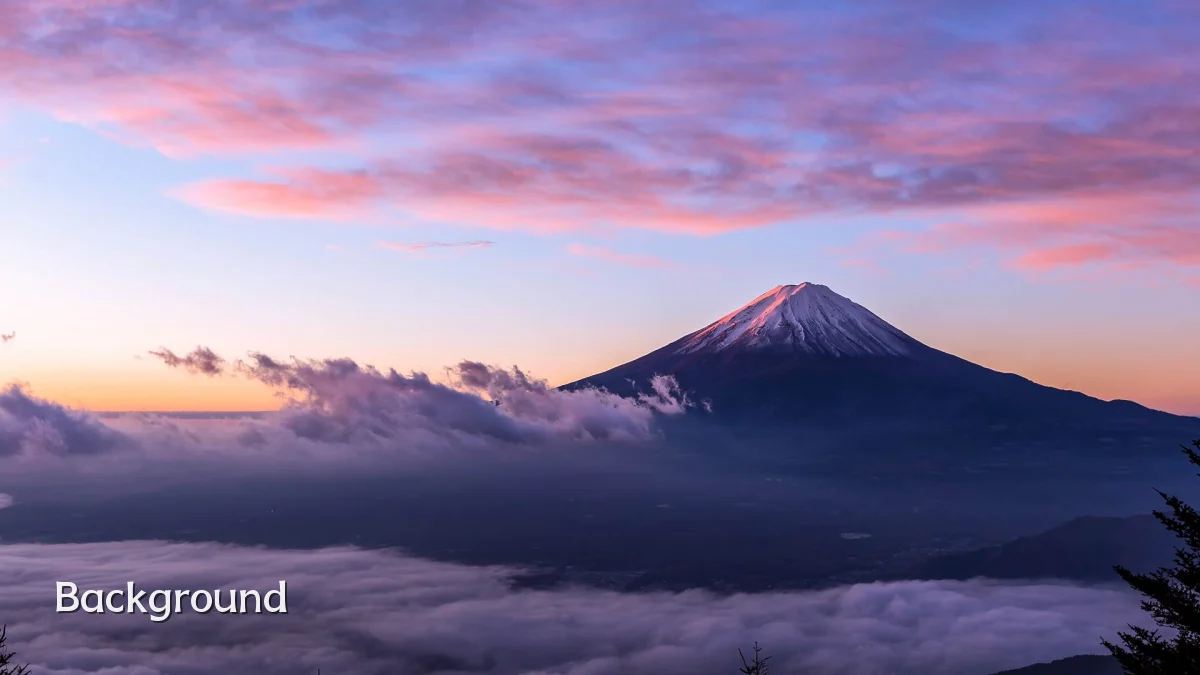
Today, choosing a wallpaper involves balancing visual appeal with practical factors: file size, format compatibility, and how the image interacts with icon placement and taskbar visibility. Operating systems now offer built-in slideshows and dynamic collections, reducing the need for third-party apps, yet many users still curate personal libraries for distinct workflows.
User Concerns When Selecting Wallpaper
Most users report three primary concerns when evaluating a desktop wallpaper: visual comfort, fit across displays, and long-term engagement with the image.
- Eye strain and readability: Highly saturated or overly detailed backgrounds can make text on icons and windows harder to read. Lower contrast and softer color palettes are generally preferred for prolonged use.
- Multi-monitor and scaling issues: A wallpaper that looks sharp on a 1080p panel may appear blurry or stretched on a 1440p or 4K display. Users with mixed-resolution setups often need custom splits or tiling solutions.
- Avoiding fatigue from repetition: Many users rotate wallpapers on a daily or hourly basis—either through native OS slideshows or automated apps—to maintain visual novelty without manual curation.
Likely Impact of Wallpaper on Workflow and Mood
While not a direct productivity tool, wallpaper influences the desktop environment enough to affect user behavior. For creative professionals, a clean, inspiration-driven background can support a mental shift into focused work. For those managing multiple open windows, a neutral texture or gradient reduces visual clutter and minimizes the time spent searching for cursor position or active window edges.
Studies on digital environments suggest that ambient visual cues—such as nature scenes or soft geometric patterns—can lower self-reported stress levels during tasks. However, the effect varies widely by individual, and what soothes one user may distract another. The practical takeaway is that wallpaper serves as a personal calibration tool, not a one-size-fits-all solution.
What to Watch Next in Wallpaper Design
Looking ahead, wallpaper tools are likely to become more intelligent and context-aware. Expect further integration with system color schemes: automated extraction of accent hues from wallpaper images is already present in some OS versions, and that trend will deepen. Interactive wallpapers that respond to CPU load, weather, or calendar events remain niche but are gaining developer attention.
- AI-generated personalization: More apps will recommend or generate wallpapers based on user screen content, color preferences, or even typing patterns.
- Cross-device syncing: Seamless wallpaper sets that cascade across phone, tablet, and desktop without manual realignment are becoming an expectation among ecosystem users.
- Light and dark mode variants: Wallpaper pairs that automatically switch between a daytime and nighttime version, without animation, are emerging as a lightweight alternative to full dynamic backgrounds.
As resolution standards evolve and display sizes diversify, the industry will need to prioritize scalable assets that maintain clarity on any screen. The wallpaper of the future may look less like a static image and more like a living, adaptive layer of the operating system itself.