The Ultimate Guide to Choosing the Best Screen Wallpaper for Your Desktop

Recent Trends in Desktop Wallpaper
Over the past several release cycles, desktop wallpaper preferences have shifted noticeably. Users are moving away from static, high-resolution photographs toward dynamic and utility-driven backgrounds. Operating system updates have also pushed native support for dark mode variants, gradient blends, and video-based wallpapers, prompting many to reconsider what “best” really means for their workflow and display hardware.
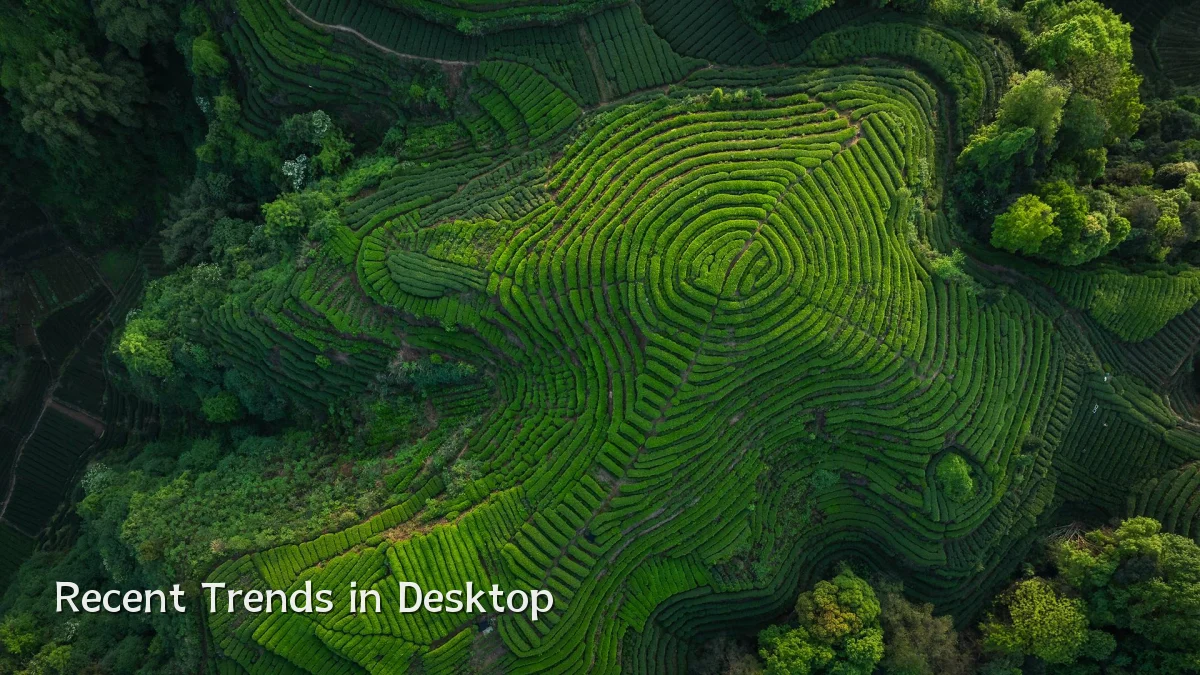
- Rise of live and interactive wallpapers that respond to system metrics (CPU, weather, time of day).
- Increasing demand for high-DPI and HDR-optimized images due to widespread 4K and ultrawide monitors.
- Growing interest in minimal, “distraction-free” designs that reduce cognitive load during focus sessions.
Background: From Static Backgrounds to Personal Environments
Desktop wallpapers began as simple bitmap patterns in the early graphical interfaces, later evolving into compressed JPEG photographs as storage and display technology improved. In the last decade, the community has embraced curated wallpaper packs, AI-generated art, and motion backgrounds, while operating systems now offer slideshow, dynamic day/night, and perspective features. This evolution reflects a broader shift: the desktop is no longer just a launching pad for applications but a personalized environment that affects mood and productivity.

User Concerns When Choosing a Wallpaper
Selecting the right wallpaper involves balancing aesthetics with practical considerations. Many users encounter friction when their chosen image doesn’t match the technical specifications of their display or causes performance issues.
- Resolution and aspect ratio clarity: An image that doesn’t match the monitor’s native resolution or aspect ratio results in stretching, cropping, or black bars.
- Color accuracy and contrast: Bright or cluttered wallpapers can reduce icon readability and cause eye strain during long work sessions.
- System performance: Live or animated wallpapers, especially on battery-powered laptops, can consume CPU/GPU resources and reduce battery life.
- Licensing and source quality: Free download sites often provide low-res or watermarked images; reputable sources offer royalty-free or paid high-quality assets.
Likely Impact on User Experience and Workflow
Choosing a wallpaper that aligns with both display hardware and personal usage habits can produce measurable improvements in daily computing. A well-matched wallpaper can reduce eye fatigue, improve desktop navigation speed, and subtly enhance satisfaction. On the other hand, a poorly chosen background can lead to constant minor irritations or unnecessary performance overhead.
“For knowledge workers who spend hours in document editors or IDEs, a dark, non-distracting wallpaper often correlates with fewer reported instances of digital eye strain.” — Common finding in ergonomic review forums.
- Reduced glare and better readability: Dark or matte-textured wallpairs well with high-brightness work apps.
- Fewer visual interruptions: Solid colors or abstract gradients keep the focus on open windows.
- Potential performance trade-offs: Live wallpapers may be acceptable on desktop rigs but are often deactivated on laptops during unplugged use.
What to Watch Next
As display technology continues to fragment—with MiniLED, OLED, and variable refresh-rate screens becoming mid-range standards—the wallpaper’s role in preserving panel health and color uniformity may gain attention. Newer AI tools can now generate custom wallpapers based on a user’s color palette or mood tags, suggesting a shift toward on-demand, personalized backgrounds. Additionally, operating system features that automatically adapt the wallpaper to ambient light or app context are likely to become more sophisticated, potentially making manual selection less critical over time.
- Dedicated wallpaper curation apps with smart upscaling for non-native resolutions.
- Built-in “wallpaper wellness” features in desktop OS updates (e.g., low-blue light, burn-in prevention).
- Growth of lightweight, WebGPU-accelerated live wallpaper engines that minimize power draw.