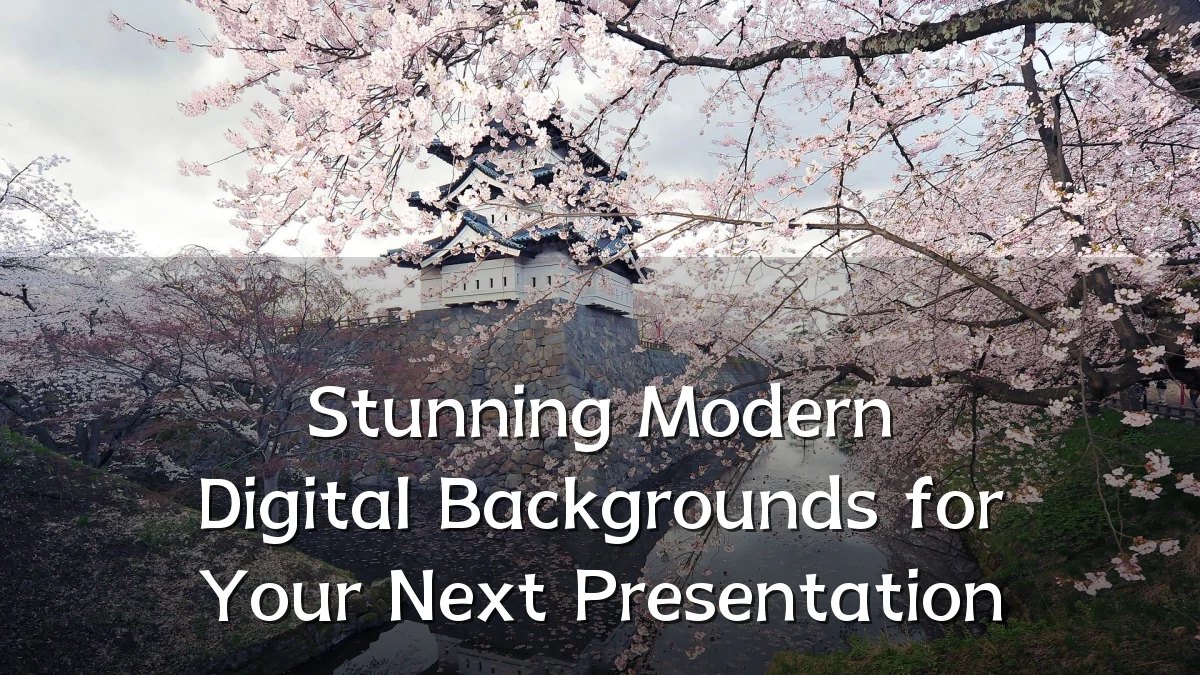
Stunning Modern Digital Backgrounds for Your Next Presentation
Recent Trends in Digital Backgrounds
Over the past few years, presentation design has shifted from static stock imagery toward purpose-built digital backgrounds that enhance storytelling. Three dominant trends have emerged:

- AI-Generated Textures: Tools now produce custom abstract patterns, color palettes, and subtle textures that avoid the generic look of traditional templates.
- Subtle Motion: Animated backgrounds (e.g., slow parallax or gradient shifts) are used to hold attention without distracting from content.
- Minimalist Gradients: Soft, multi-stop gradients in brand colors replace busy photos, offering a clean backdrop that works across screen sizes.
Background: From Static to Dynamic
Early presentation backgrounds were limited to solid fills or low-resolution clip art. As display technology improved – with wider color gamuts and higher pixel densities – design expectations shifted. Modern software now supports layered SVG, CSS gradients, and lightweight video loops, allowing creators to build backgrounds that are both visually rich and technically efficient. This evolution has made high-quality digital backgrounds accessible to non-designers via template libraries and no-code editors.

User Concerns and Considerations
Choosing the right digital background involves balancing aesthetics with practical constraints. Key factors to weigh include:
- Readability: Complex patterns or high-contrast animations can obscure text. Background contrast ratios should be tested with typical font sizes.
- File Size and Load Time: Heavy video or high-resolution images may slow slide transitions, especially on older hardware or shared platforms.
- Compatibility: Some presentation tools handle transparency or motion differently. Exporting to PDF can strip background effects.
- Accessibility: Users with visual sensitivities may react poorly to rapid motion or strobing gradients. Offering a static fallback is a common practice.
- Brand Consistency: Backgrounds should match corporate or campaign color palettes without overwhelming logos or key data.
Likely Impact on Presentation Design
When used thoughtfully, modern digital backgrounds can improve audience engagement by creating a cohesive visual atmosphere. Surveys of corporate communication teams suggest that presentations with custom, context-appropriate backgrounds receive higher recall scores compared to those using generic templates. However, overdesigned backgrounds can increase cognitive load, leading to lower information retention. The likely net effect is a push toward “adaptive backgrounds” – where slide backgrounds subtly shift based on content category (e.g., data slides use quieter gradients; story slides use richer textures).
What to Watch Next
Looking ahead, several developments could reshape how backgrounds are selected and rendered:
- Real-Time Personalization: Presenters may use audience data (e.g., industry, weather, time of day) to dynamically switch background styles mid-presentation.
- Integration with AR/VR: As virtual and mixed reality presentation platforms mature, backgrounds will need to be spatial and responsive to viewer movement.
- Improved Accessibility Tooling: Automated contrast checkers and motion-reduction filters could become standard features in presentation software, making modern backgrounds safer for all viewers.
In an increasingly visual communication landscape, the digital background is no longer a passive backdrop but an active design element. The best choices will remain those that reinforce the message without calling attention to themselves.