Stunning Desktop Wallpaper Examples to Refresh Your Workspace
Recent Trends in Desktop Wallpaper
Over the past several quarters, desktop wallpaper styles have shifted toward cleaner, more functional aesthetics. Popular examples now emphasize readability, reduced visual noise, and integration with operating system features.
- Minimalist abstracts – Gradients, soft geometry, and muted color palettes dominate, helping icons and taskbars remain legible.
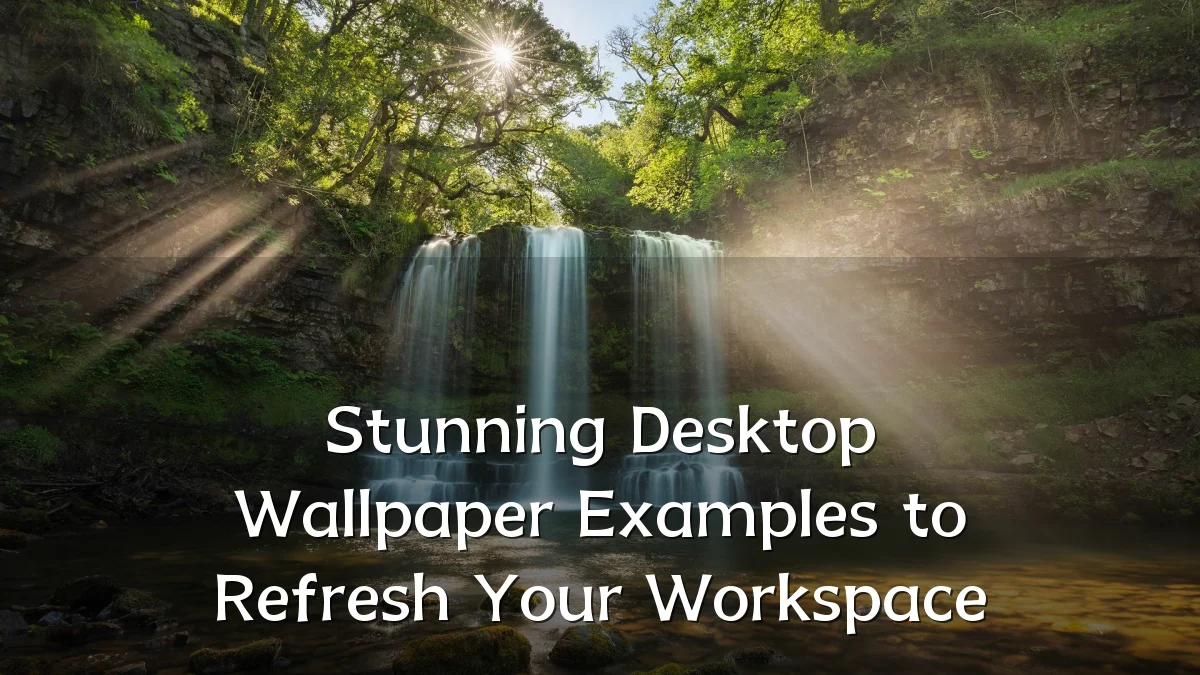
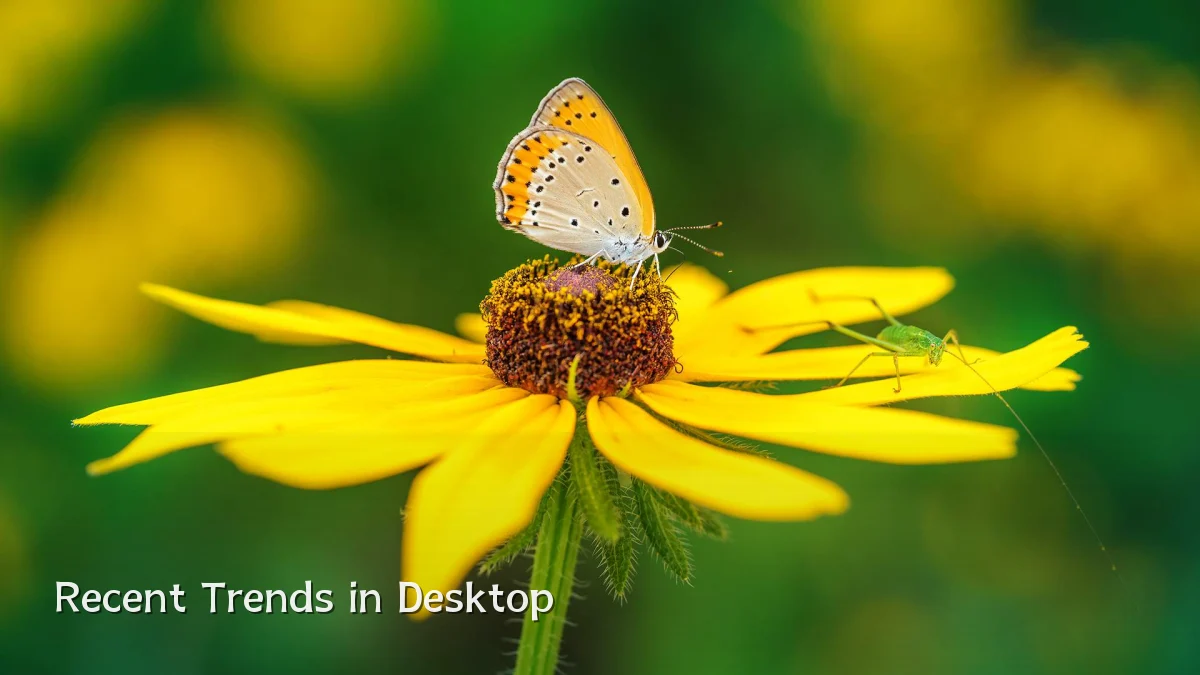
- Nature and landscape photography – High‑resolution shots of mountains, forests, and oceans provide calm focal points without distracting detail.
- Dark‑mode optimized designs – Wallpapers with deep blacks and low‑contrast elements reduce eye strain and complement modern UI themes.
- Dynamic and time‑aware wallpapers – macOS “dynamic” and Windows Spotlight‑style images that shift appearance throughout the day.
- AI‑generated imagery – Custom, on‑demand backgrounds created through text prompts, offering unique textures and patterns.
Background: From Static Backgrounds to Productivity Tools
Desktop wallpaper has evolved from a simple decorative afterthought to a deliberate part of workspace setup. Early systems offered limited resolution and color depth. Today’s 4K, 5K, and ultra‑wide displays demand high‑fidelity images that scale without pixelation. At the same time, research into colour psychology and spatial organization has led many users to treat wallpaper as a functional element — reducing clutter in their field of view, anchoring their visual attention, or reflecting a professional brand for video calls.

The rise of remote and hybrid work has accelerated this shift. A curated wallpaper is now seen as a quick, non‑intrusive way to personalize a shared digital environment without altering core system settings.
User Concerns When Choosing Wallpaper Examples
Despite the abundance of available imagery, users commonly face practical hurdles. These concerns can affect both satisfaction and system performance.
- Aspect ratio and resolution mismatches – An image designed for a 16:9 display may look stretched or cropped on an ultrawide or vertical secondary monitor.
- Performance impact of live or animated wallpapers – Animated backgrounds (e.g., video loops or interactive scenes) can consume GPU resources and reduce battery life on laptops.
- Colour calibration and readability – Bright or excessively busy wallpapers can wash out text and icons, especially on OLED screens with high contrast.
- Source quality and licensing – Free wallpaper sites may serve compressed or watermarked images; users need reliable sources that respect copyright.
- Personal relevance vs. distraction – A wallpaper that is too interesting (e.g., complex art or fast‑moving elements) can pull focus from work tasks rather than refresh the workspace.
Likely Impact on Digital Workspace Design
The choice of wallpaper example goes beyond personal taste. It can influence daily workflow efficiency and even how colleagues perceive a remote worker’s professionalism.
- Boosted mood and reduced fatigue – Calm, nature‑inspired backgrounds have been linked to lower stress in self‑reported user surveys, while cluttered imagery may increase cognitive load.
- Brand reinforcement for remote teams – Companies increasingly provide custom branded wallpapers to maintain visual consistency across distributed employees’ screens.
- Improved focus via color psychology – Certain hues (e.g., cool blues and greens) are thought to support concentration, whereas high‑saturation reds may be overstimulating.
- Accessibility for visually sensitive users – Low‑contrast and non‑patterned wallpapers help users with migraines or visual processing disorders work more comfortably.
What to Watch Next
The desktop wallpaper landscape is likely to continue evolving as hardware and AI capabilities improve. Several developments may reshape how examples are discovered and applied.
- AI‑powered personalization – Operating systems may soon generate wallpapers in real time based on user activity, time of day, or even current weather conditions.
- Cross‑platform sync – Expect deeper integration across devices, allowing a single wallpaper choice to adapt between desktop, tablet, and phone screen sizes.
- Ethical and sustainable sourcing – Licensed, royalty‑free repositories will likely gain traction as users become more aware of copyright issues and the environmental cost of massive image libraries.
- Interactive and “smart” wallpapers – Examples that display live data (calendar events, system metrics) may become more common, blending decoration with utility.
As digital workspaces continue to blend personal expression with professional requirements, the wallpaper examples users choose will remain a small but meaningful element of daily computing.