Screen Wallpapers That Actually Boost Your Productivity
Recent Trends in Productivity-Focused Wallpapers
Over the past several cycles, the concept of a “helpful screen wallpaper” has moved beyond static art or personal photos. Current trends emphasize deliberate design to reduce cognitive load and support task flow. Notable approaches include:
- Minimalist layouts – uncluttered gradients or solid colors that minimize visual noise.
- Dark mode backgrounds – widely adopted for lower glare and reduced eye strain during extended work sessions.
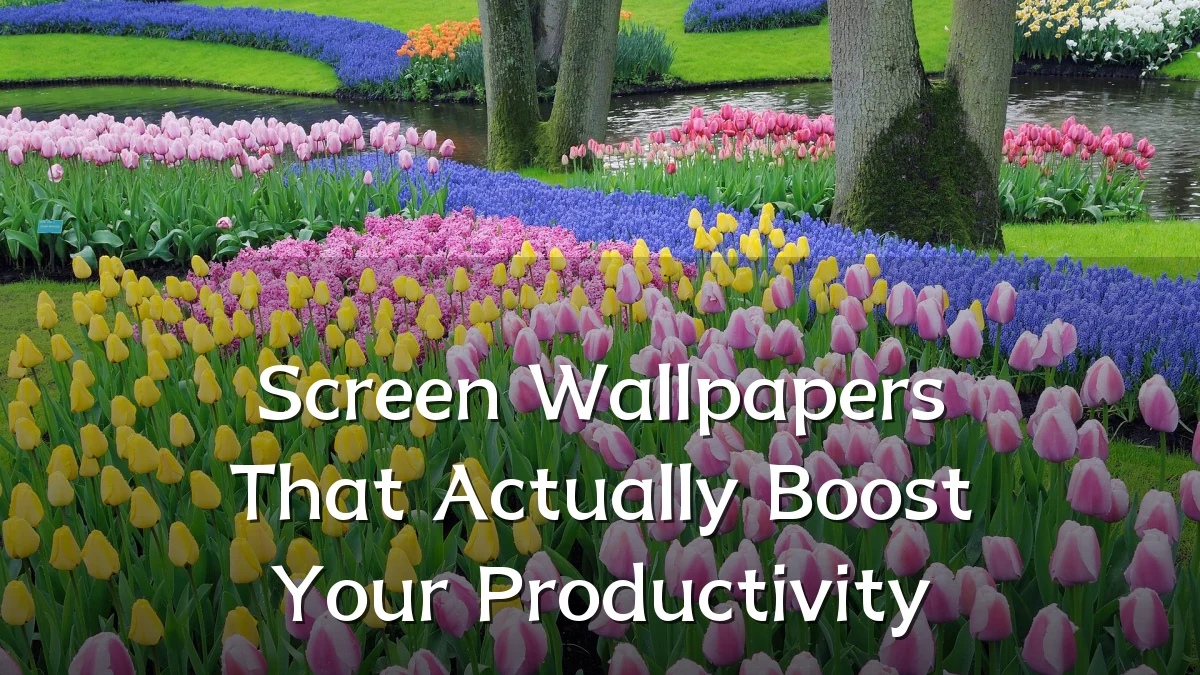
- Nature scenes – soft landscapes or greenery that studies suggest can improve mood and concentration without being distracting.
- Dynamic time-based wallpapers – images that shift subtly with the hour, providing gentle temporal cues without alert fatigue.
- Spatial organization backgrounds – wallpapers designed with faint grids, calendar overlays, or zone markers to help users arrange desktop icons and widgets logically.
Background – Why Wallpaper Choice Matters
Environmental psychology and human-computer interaction research indicate that visual surroundings directly affect attention and mental energy. A wallpaper that is too busy can increase cognitive load, forcing the brain to ignore irrelevant details. Conversely, a well-chosen background can act as a subtle anchor—reducing distraction, reinforcing a clean workspace, and even influencing emotional state. Color temperature (warm vs. cool) and contrast ratios also play roles in perceived screen glare and user comfort.

User Concerns – Distraction vs. Motivation
Many users report mixed results when switching to a “productivity wallpaper.” Common issues include:
- Overly complex imagery – photographs with high detail or bright elements that pull focus during typing or reading.
- Cluttered icon placement – even a calm background loses value if shortcuts and files are scattered without folder structure.
- Color selection errors – certain hues (e.g., high-saturation reds or yellows) can induce restlessness or anxiety over time.
- Static vs. dynamic trade-offs – while dynamic wallpapers can provide helpful time awareness, they may also introduce subtle motion that some users find intrusive.
Likely Impact – Measured Gains and Pitfalls
When matched to the user’s workflow and environment, a productivity-oriented wallpaper can yield modest but consistent benefits. Users often report longer focused intervals, fewer background adjustments, and a slight decrease in eye fatigue. However, gains tend to plateau quickly; wallpaper alone cannot compensate for poor task management or ergonomic issues. The most significant impact appears when the wallpaper reinforces an already organized digital workspace—serving as a visual “reset” rather than a cure-all.
What to Watch Next – Emerging Approaches
The next wave of helpful screen wallpapers is likely to move from static guidelines to adaptive systems. Areas to monitor include:
- AI-generated adaptive backgrounds – wallpapers that automatically adjust color, brightness, and complexity based on ambient light, time of day, or active application.
- Integration with task management – backgrounds that display high-level project status, priority lists, or calendar events without opening separate windows.
- Ambient awareness designs – subtle visual cues (e.g., a soft glow or small shape shift) that signal meeting times, battery levels, or notification counts without breaking concentration.
As personalization algorithms improve, users may soon have wallpapers that learn their habits and adjust in real time—turning the screen background from a passive decoration into an active, productivity-supporting tool.