Minimalist HD Wallpapers for a Clean Desktop Look
Recent Trends
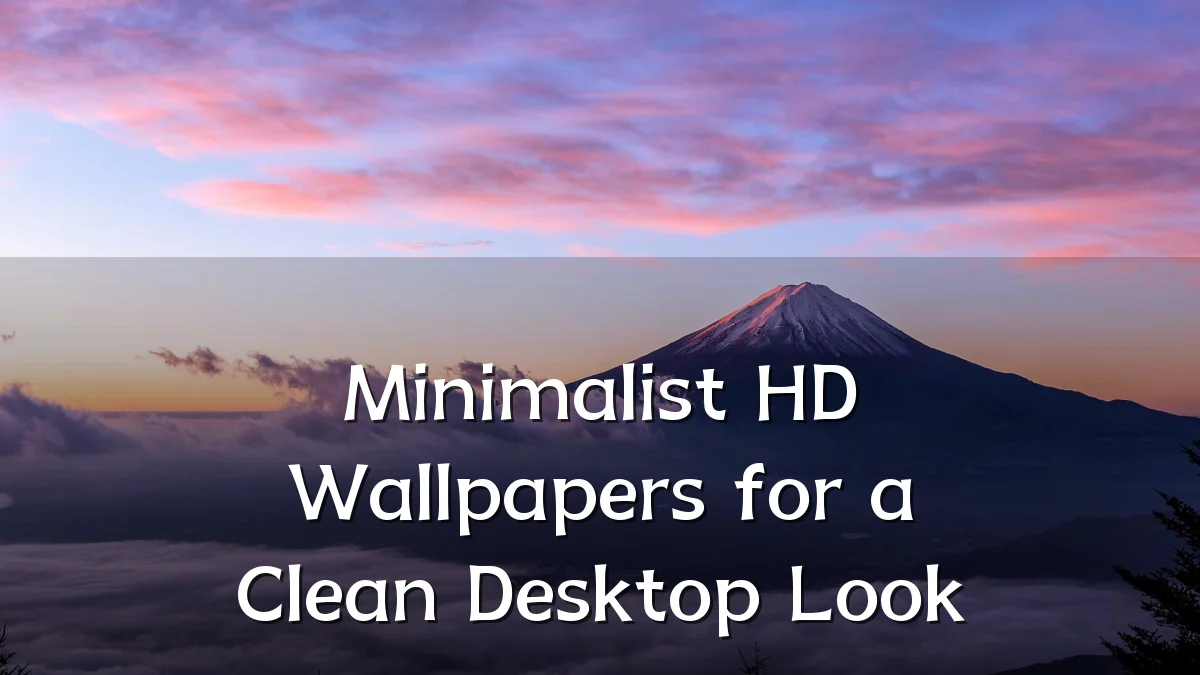
Over the past several quarters, desktop personalization has gravitated toward simplicity. Users increasingly choose minimalist HD wallpapers—solid gradients, subtle textures, or single-subject silhouettes—over busy photo collages or branded imagery. This shift aligns with the broader adoption of high-resolution monitors (1080p to 4K) where even minor visual noise becomes more noticeable. Search data and community forum discussions indicate a steady rise in queries for “clean desktop backgrounds” and “simple high-def wallpapers,” suggesting the trend is not seasonal but structural.

Background
The minimalist wallpaper movement parallels the evolution of operating system interfaces. Early desktops used simple solid colors or low-detail patterns; as display technology improved, users began adding complex wallpapers. However, the modern productivity-focused workspace renews interest in sparser backgrounds. Design principles from user-experience research suggest that reducing background clutter can lower cognitive load and help icon text remain legible. Minimalist HD wallpapers offer a middle ground: enough visual interest to avoid a sterile appearance, but restrained enough to keep the desktop tidy.

User Concerns
- Burn-in on OLED screens: Static elements from a wallpaper—especially icons or taskbars—may accelerate burn-in. Minimalist designs with uniform dark tones can mitigate this, but users need to weigh aesthetics against panel longevity.
- Color accuracy: A wallpaper’s color temperature can interact with monitor calibration. Very saturated or uneven backgrounds may cause eye strain over long sessions, whereas neutral palettes (gray, beige, soft blue) are generally safer.
- File size vs. resolution: HD wallpapers often compress to fit bandwidth limits. Users downloading from free sites sometimes get artifacts or poor scaling. Selecting a wallpaper intended for one’s exact resolution (e.g., 1920×1080 or 3840×2160) avoids blurriness.
- Compatibility with OS features: Some versions of Windows, macOS, or Linux support dynamic wallpapers or transparency effects. A static minimalist wallpaper must not conflict with these features—for instance, a too-bright background can make dark-mode text hard to read.
Likely Impact
As minimalist HD wallpapers become more common, desktop workflows may see modest improvements in focus and reduced visual fatigue. For productivity users, a clean background can reduce distraction and help distinguish active windows. On the device performance side, lighter wallpaper files consume less VRAM and graphics time than animated or photo-realistic backgrounds, especially on integrated GPUs. The trend also nudges designers to produce wallpaper sets that coordinate with popular theme modes (light/dark/mixed), making cross-platform consistency easier for users who switch between work and personal devices.
What to Watch Next
- AI-generated minimal patterns: Tools that create unique, non-repeating backgrounds tailored to a user’s preferred color palette and complexity level could replace static downloads.
- Dynamic wallpapers for simple aesthetics: Subtle time-of-day adjustments (e.g., slight brightness shift or color temperature) could maintain minimal structure while reducing eye strain.
- Community-driven wallpaper curation: Platforms focusing on “clean desktop” tags may emerge, offering verified high-resolution packs with consistent design language and file-format standards.