How to Select the Perfect Professional Screen Wallpaper for Your Office

Recent Trends in Professional Screen Wallpaper
Over the past several quarters, workplace design has shifted toward digital environments that balance branding with user comfort. Remote and hybrid models have increased the time employees spend looking at screens, prompting a closer look at wallpaper choices for video calls and desktop backgrounds. Minimalist patterns, muted gradients, and subtle brand motifs are gaining traction, replacing high-contrast or busy imagery that can strain the eyes or distract during meetings.
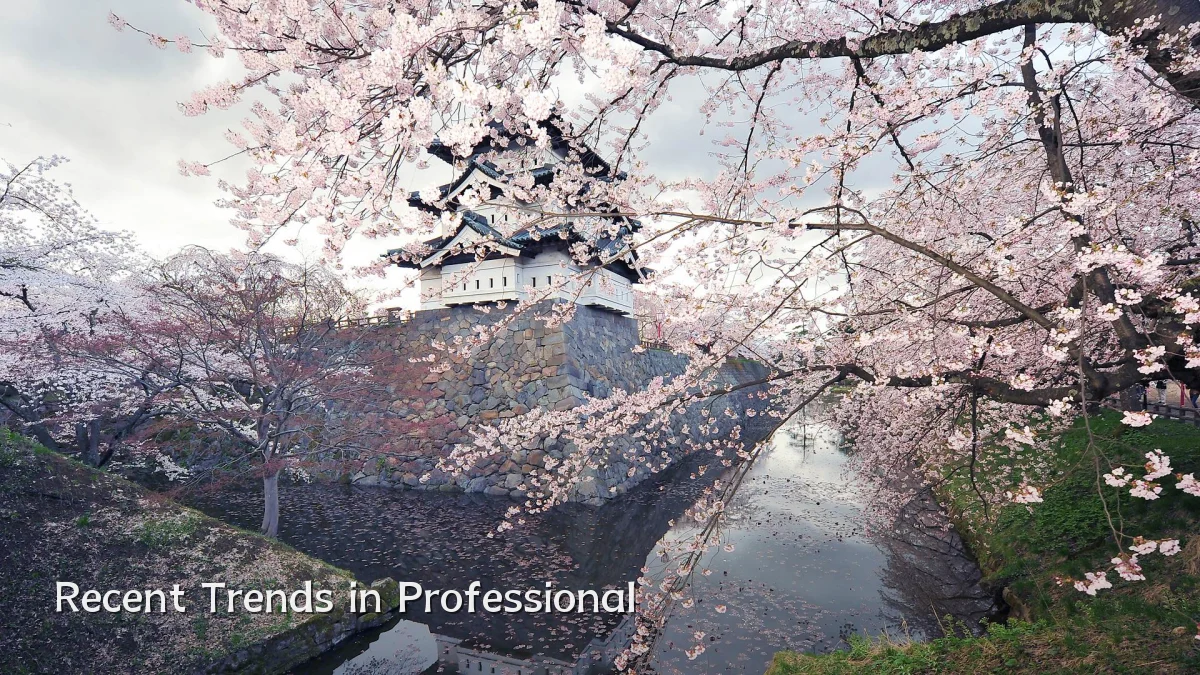
- Preference for matte-finish, non-reflective backgrounds to reduce glare under varied lighting.
- Rise of “dynamic” wallpaper that adjusts tone based on ambient light or time of day, though adoption remains early.
- Growing use of company-approved wallpaper templates to maintain visual consistency across teams.
Background: From Personalization to Professionalism
Desktop wallpaper has long been a personal choice, but the professionalization of video conferencing and shared screen workflows has changed expectations. A decade ago, an office worker might choose a landscape photo or favorite artwork without much thought. Today, the same desktop background appears on shared monitors, presentation slides, and behind participants during calls. This shift has turned wallpaper into a subtle but persistent element of office branding—whether in a physical cubicle or a virtual background setting.
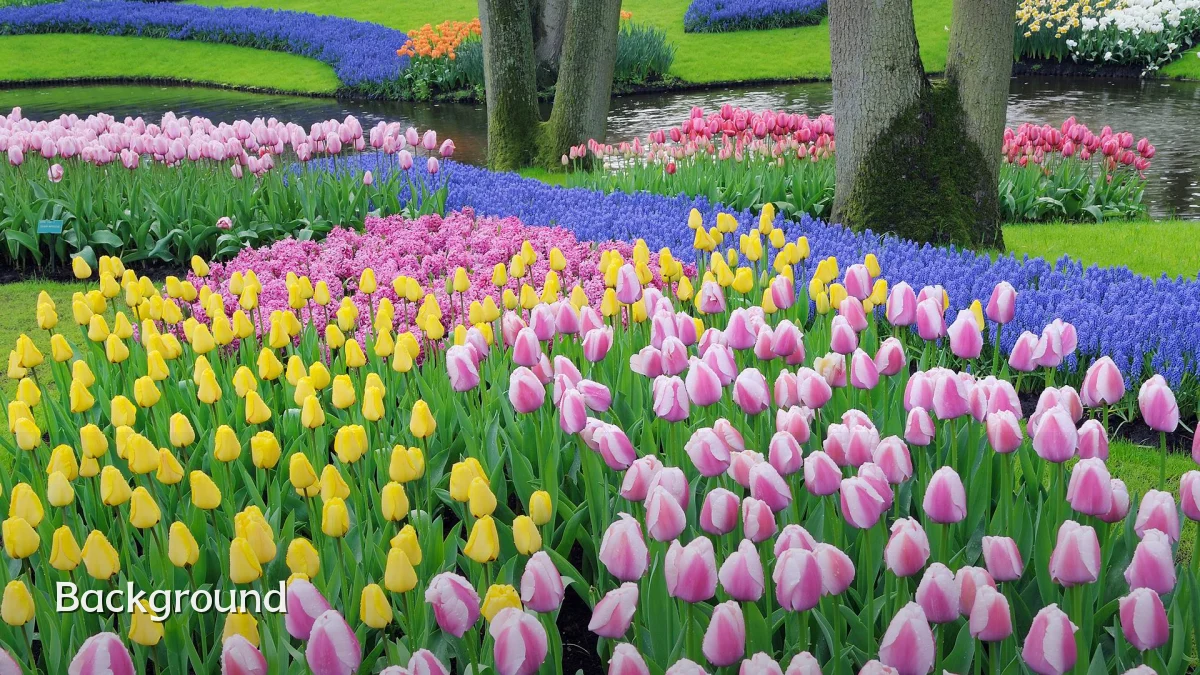
Companies began standardizing wallpaper around the early 2020s, often using simple logos or company colors. However, feedback from employees and IT teams highlighted issues: overly branded backgrounds felt corporate without being comfortable, while bright colors caused eye fatigue during long work sessions.
User Concerns: Eye Comfort, Branding, and Distraction
Professionals and decision-makers typically weigh three core factors when selecting screen wallpaper for office use:
- Visual ergonomics: Wallpaper with high contrast, busy patterns, or abrupt color transitions can cause eye strain, especially on monitors used for extended periods. Neutral tones (e.g., soft gray, warm beige, or desaturated blues) are generally preferred.
- Brand consistency vs. personalization: Employees often push back against overly rigid corporate imagery. The middle ground is a wallpaper set that includes a company watermark or logo in a corner, paired with a calm field of color or a subtle gradient.
- Screen-sharing readiness: Wallpaper that contains sensitive information, personal photos, or pop culture references can become a liability during presentations. A clean, professional default is often mandated for laptops used in demos or client calls.
Likely Impact on Workplace and Vendor Choices
Adoption of structured wallpaper policies is expected to spread from large enterprises to small and medium offices. The likely impact includes:
| Area | Expected Change |
|---|---|
| IT asset management | Remote deployment of standardized wallpaper via MDM (mobile device management) becomes more common. |
| Video conferencing tools | Integration of wallpaper templates directly into apps like Zoom or Teams may reduce reliance on individual desktop settings. |
| Wellness initiatives | Ergonomically vetted wallpaper designs could be included in corporate wellness packages, alongside screen brightness and blue light filters. |
What to Watch Next
Several developments could shape how professional screen wallpaper evolves in the near term:
- AI-generated adaptive backgrounds: Tools that automatically generate wallpaper based on a user’s current activity (e.g., darker for reading, lighter for calls) are being tested by small design studios.
- Cross-platform standardization: The ongoing push for unified branding across macOS, Windows, and Linux may lead to third-party wallpaper managers that sync company-approved designs regardless of OS.
- Privacy-focused defaults: As screen recording and remote monitoring become more common, wallpaper that obscures sensitive information (e.g., blurred backgrounds when sensitive windows are open) could see niche interest.