How to Find Advanced HD Wallpapers That Don't Pixelate on 4K Monitors
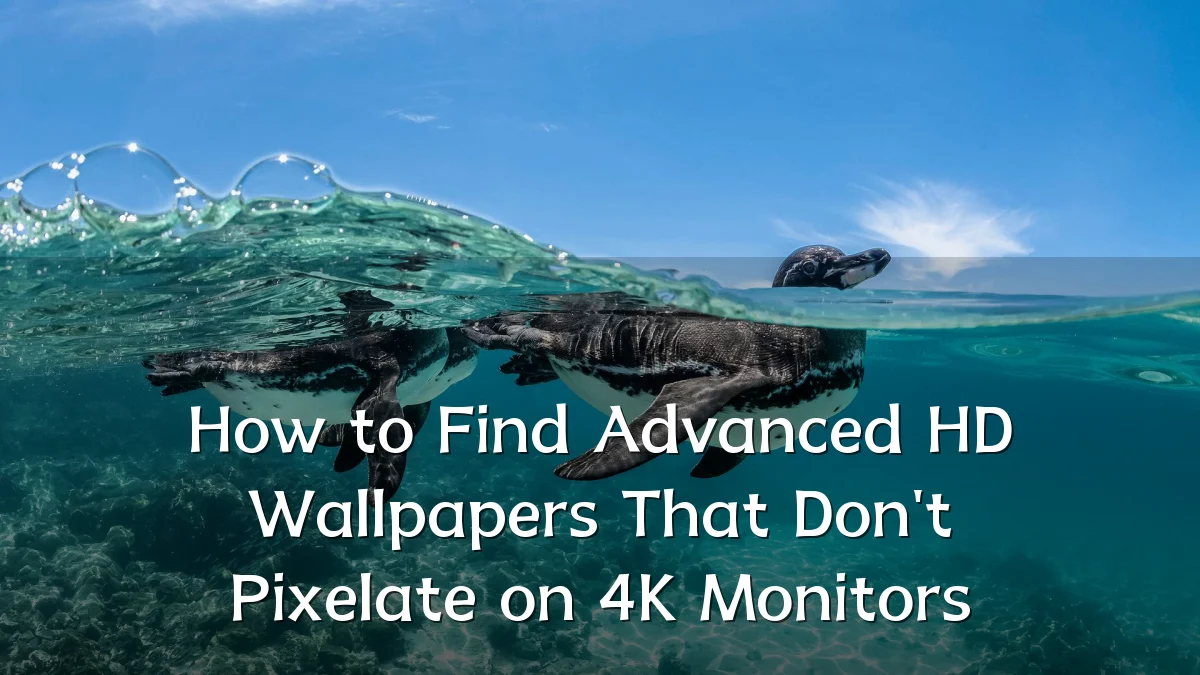
As 4K displays become standard in both professional and home setups, users increasingly encounter a specific frustration: wallpaper images that appear crisp at smaller resolutions but reveal blurring, aliasing, or visible compression artifacts when stretched across ultra-high-definition panels. This analysis examines the evolving landscape of advanced HD wallpapers and practical strategies for maintaining visual fidelity at 4K resolutions.
Recent Trends: Why Image Quality Matters More
The shift toward high-density displays has accelerated over the past few years, with 27-inch and 32-inch 4K monitors now common in offices, creative studios, and gaming rigs. Meanwhile, dual-monitor and ultrawide configurations further test image resolution limits. Key developments include:

- Increased reliance on scaling — smaller wallpaper files are often stretched beyond their native resolution, causing pixelation.
- Growth of dynamic and animated wallpapers — these demand consistent resolution across frames yet are frequently delivered in compressed formats unsuitable for 4K.
- Rise of curated wallpaper communities — platforms now offer resolution-specific categories, but inconsistent tagging still frustrates users searching for truly lossless images.
Background: What Causes Pixelation on 4K Displays?
Pixelation on a 4K monitor typically results from a mismatch between the image's intrinsic resolution and the display's pixel grid. A wallpaper at 1920×1080 pixels—standard HD—covers only about a quarter of a 3840×2160 screen, compelling the monitor’s scaler to fill gaps through interpolation. This process introduces softness or jagged edges. Additionally:

- Compression artifacts from JPEG or low-bitrate PNG files become far more visible on sharp panels.
- Upscaled vector graphics may appear clean in test cases but fail when detailed raster textures are present.
- Screen aspect ratio mismatch (16:9 vs. 21:9 or 16:10) forces cropping or letterboxing, compromising intended composition.
A rule of thumb: for a 4K display, target wallpapers with a native resolution of at least 3840×2160 pixels, stored in a lossless format such as PNG or high-quality JPEG with minimal compression.
User Concerns: Finding Advanced HD Wallpapers That Deliver
Common pain points reported by users include time wasted searching for suitable images and inconsistent quality even from supposedly high-resolution sources. Specific concerns center on:
- Fake high-resolution images — some sites label upscaled low-res files as “4K” despite soft details.
- File size trade-offs — large PNG files preserve clarity but can slow loading in wallpaper switchers or consume storage.
- Color accuracy and depth — 4K monitors often support wider color gamuts (DCI-P3 or sRGB), but many wallpapers are designed for standard sRGB, making colors appear oversaturated or flat.
- Scalability for multi-monitor setups — spanning a single image across two 4K screens requires an image resolution of 7680×2160, which few sources adequately supply.
Likely Impact: How Advanced HD Wallpapers Are Changing the Market
The growing demand for pixel-perfect wallpapers is reshaping how content is created and distributed. Several outcomes are already visible and likely to intensify:
- Platform specialization — more wallpaper sites will introduce strict resolution verification and lossless-only categories.
- AI-powered upscaling tools — software that enhances lower-resolution images to 4K without visible artifacts is becoming more accessible, though results vary by source material.
- Community-driven standards — user reviews and resolution tags will become de facto quality markers, penalizing sites that mislabel images.
- Hardware integration — operating systems and wallpaper management apps are beginning to include built-in resolution checks and scaling recommendations.
In practice, the most reliable method remains checking image metadata: open a candidate wallpaper in editing software and confirm its pixel dimensions match or exceed the monitor’s native resolution, while examining fine details at 100% zoom.
What to Watch Next
Several developments could further ease the search for advanced HD wallpapers that stay crisp on 4K screens:
- Universal resolution metadata — look for industry moves toward embedded resolution tags in image files, allowing display software to automatically reject unsuitable wallpapers.
- Real-time scaling previews — next-generation wallpaper apps may simulate how an image will appear at the monitor’s native resolution before applying it.
- Subscription-based curated libraries — dedicated services offering vetted, lossless 4K and 8K wallpapers are emerging, potentially reducing the need for manual searching.
- Cross-platform consistency — expect improved cooperation between display manufacturers and OS providers to standardize scaling behavior and color calibration for wallpapers.
For now, a disciplined approach—focusing on native resolution, lossless file formats, and verified sources—remains the most effective way to ensure sharp, advanced HD wallpapers on 4K monitors.