How to Choose the Perfect Desktop Wallpaper for Maximum Productivity
Recent Trends in Desktop Personalization
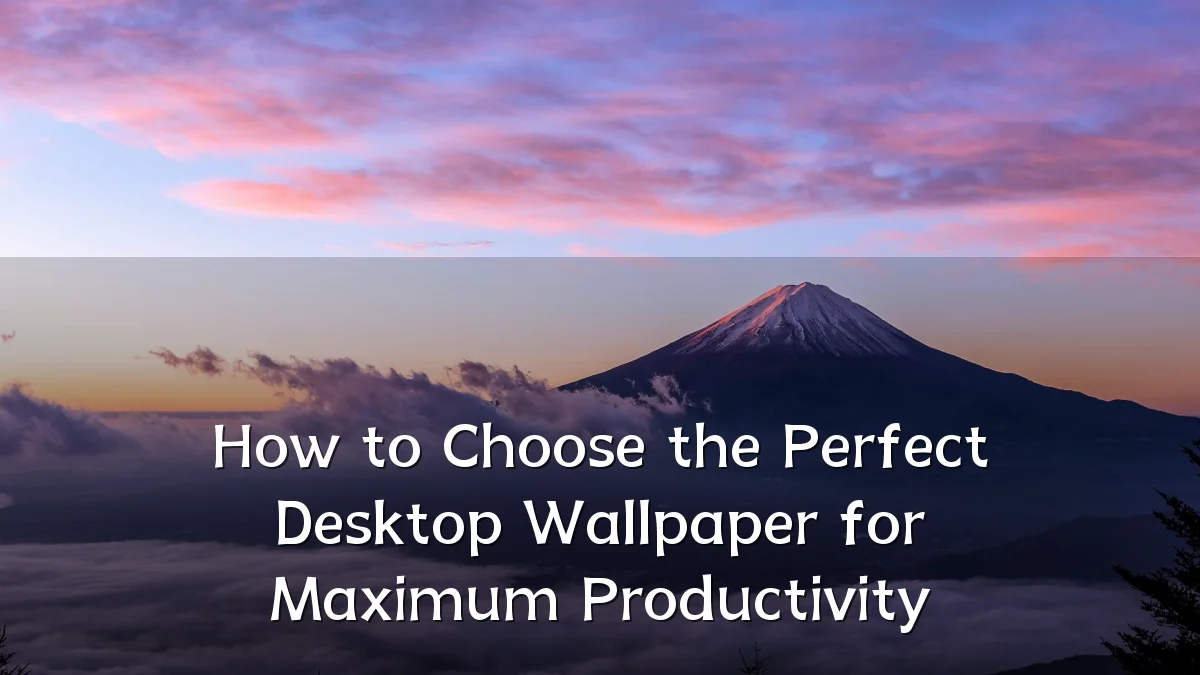
Over the past few years, the way professionals customize their workstations has shifted from purely aesthetic choices to function‑driven decisions. Minimalist designs, muted color palettes, and subtle gradients have become popular among knowledge workers who spend long hours in front of screens. At the same time, operating systems now offer built‑in wallpaper rotation and dynamic lighting adjustments, reflecting a broader interest in optimizing the digital environment for sustained focus.
Background – How Visual Environment Affects Focus
Research in environmental psychology suggests that visual clutter can increase cognitive load, making it harder to concentrate on complex tasks. Conversely, a well‑chosen desktop image can serve as a visual anchor — a calm, predictable backdrop that reduces involuntary attention shifts. The concept is not new: early studies on office design linked low‑contrast, orderly surroundings with higher task accuracy. Digital desktops are simply the latest extension of that principle.
User Concerns – Distraction vs. Motivation
Common user concerns when selecting a wallpaper include:
- Visual noise: High‑contrast patterns, bright colors, or images with many small details can compete for attention during focused work.
- Emotional tone: Some workers find nature scenes calming; others prefer abstract art that does not trigger specific memories or daydreams.
- Icon readability: A background that is too busy can make file and folder labels hard to read, forcing extra mental effort to navigate the desktop.
- Personal identity vs. professionalism: Balancing self‑expression with a neutral environment that does not distract colleagues in shared spaces or during screen‑sharing meetings.
Likely Impact on Daily Workflow
Choosing a wallpaper that aligns with one’s typical tasks can subtly influence how the work session feels. For example, a solid dark or light color — or a very blurred image — tends to minimize visual interruptions, which may help tasks requiring prolonged reading or coding. A carefully selected motivational image (e.g., a simple quote or a view from a favorite location) might provide a brief mental reset without pulling attention away from the primary monitor area. Over a week, small reductions in distraction time can compound into measurable productivity gains.
However, impact varies by individual. People with stronger visual sensitivity or attention‑related conditions (such as ADHD) often report more benefit from minimalist backgrounds, while others thrive with a “gallery” approach that rotates through inspiring imagery. The key is consistency: a wallpaper that changes too frequently or unpredictably may undermine the stability the user is seeking.
What to Watch Next – Dynamic and AI‑Driven Wallpapers
As operating systems and third‑party tools evolve, the next frontier includes wallpapers that adapt in real time:
- Time‑of‑day adjustments: Automatically shifting from warm tones in the morning to cooler blues in the afternoon, supporting circadian rhythms.
- Task‑aware backgrounds: Some utilities can dim or simplify the wallpaper when a full‑screen application is detected, reducing visual load during deep work.
- AI‑generated imagery: Tools that create unique, abstract patterns based on user‑defined parameters (complexity, color harmony, emotional feel) could soon replace static photo libraries.
These developments promise to make wallpaper selection less a matter of taste and more a deliberate productivity lever. Users should watch for features that preserve predictability while offering adaptive responsiveness — without introducing new distractions through constant animation or notifications.