How to Build a Phone Background Directory That Keeps Your Wallpapers Organized

Recent Trends
Over the past few years, smartphone users have adopted a habit of collecting wallpapers at a rapid clip—downloading from dedicated apps, online galleries, or social media threads. Yet the default camera roll or download folder quickly turns into a chaotic pile of images, making it hard to find a specific background when you want it. A growing number of productivity-focused users now treat wallpaper management as a small but recurring pain point, sparking interest in a simple directory system rather than relying on memory or endless scrolling.

Background
A phone background directory is essentially a folder-based organization scheme, often paired with naming conventions or metadata tags, that groups wallpapers by criteria such as:
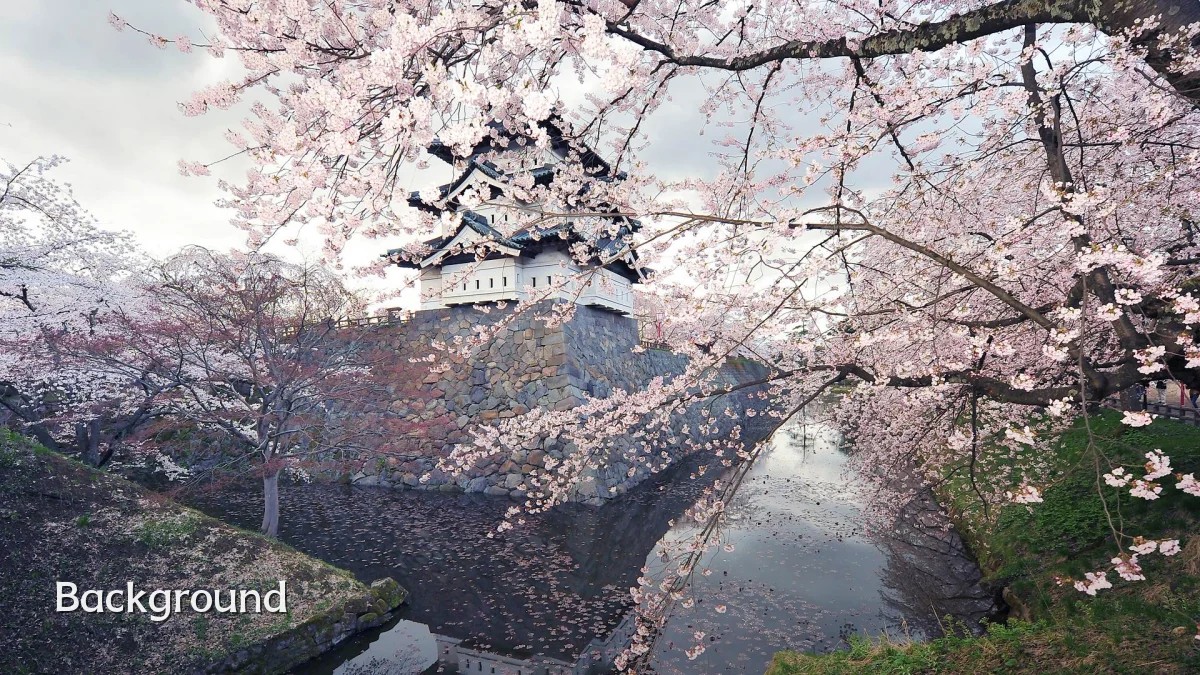
- Color palette — warm, cool, monochrome, or pastel tones
- Theme or mood — landscapes, minimalist, abstract, dark mode, or seasonal
- Source or artist — origin app, designer, or downloaded batch
- Date added — month or year of acquisition for easy rotation
The concept is not new—desktop users have organized image libraries for decades—but mobile operating systems have only recently made native file browsing more accessible, reducing the friction to maintain a structured wallpaper folder.
User Concerns
Even with better file managers, several worries persist among people attempting to build such a directory:
- Storage bloat: Duplicate or unused wallpapers can accumulate, taking up space that could otherwise hold photos or apps.
- Time investment: Categorizing dozens or hundreds of images manually feels tedious, and few automatic tagging tools exist for wallpapers alone.
- Sync complexity: Keeping the directory consistent across phone, tablet, and cloud backup services can lead to version conflicts or missing files.
- Lack of preview: Many stock file browsers show thumbnails poorly, making selection harder than simply scrolling a gallery.
These concerns often discourage users from starting, even when they recognize the long-term benefit of a tidy wallpaper library.
Likely Impact
If more users adopt a structured directory approach, the ripple effects could include:
- Reduced decision fatigue: Quickly locating a specific wallpaper for a new lock screen or home screen setup becomes near-instant, lowering daily friction.
- Longer wallpaper life cycles: Rather than deleting or forgetting images, users may rotate them seasonally or by mood, extending the usable life of their collection.
- Encouraged curation: A directory naturally promotes cleanup—one can prune low-quality or outdated backgrounds during periodic reviews, keeping only the best.
- Influence on app design: Developers may begin offering folder-based export options or built-in tagging in wallpaper apps, responding to user demand for organization.
These shifts are subtle but can meaningfully improve the daily experience of customizing a personal device.
What to Watch Next
Several developments could shape how this practice evolves:
- Native OS tools: Future updates to file managers on Android and iOS may introduce smart albums or auto-tagging features specifically for wallpapers, reducing manual effort.
- Cross-platform sync: Services that automatically mirror wallpaper directories across devices, akin to photo backup, could emerge as a niche utility.
- AI-driven organization: On-device machine learning that recognizes scene type, dominant color, or style could categorize wallpapers automatically, making directories effortless.
- Community standards: Power users might settle on common naming conventions or template structures, creating shareable guides and templates for new adopters.
For now, the most practical approach remains starting small—three or four broad folders—and expanding as the collection grows. The directory does not need to be perfect on day one; consistency over time is what makes it useful.