HD Wallpapers That Will Boost Your Study Focus This Semester
Recent Trends in Student Desktop Aesthetics
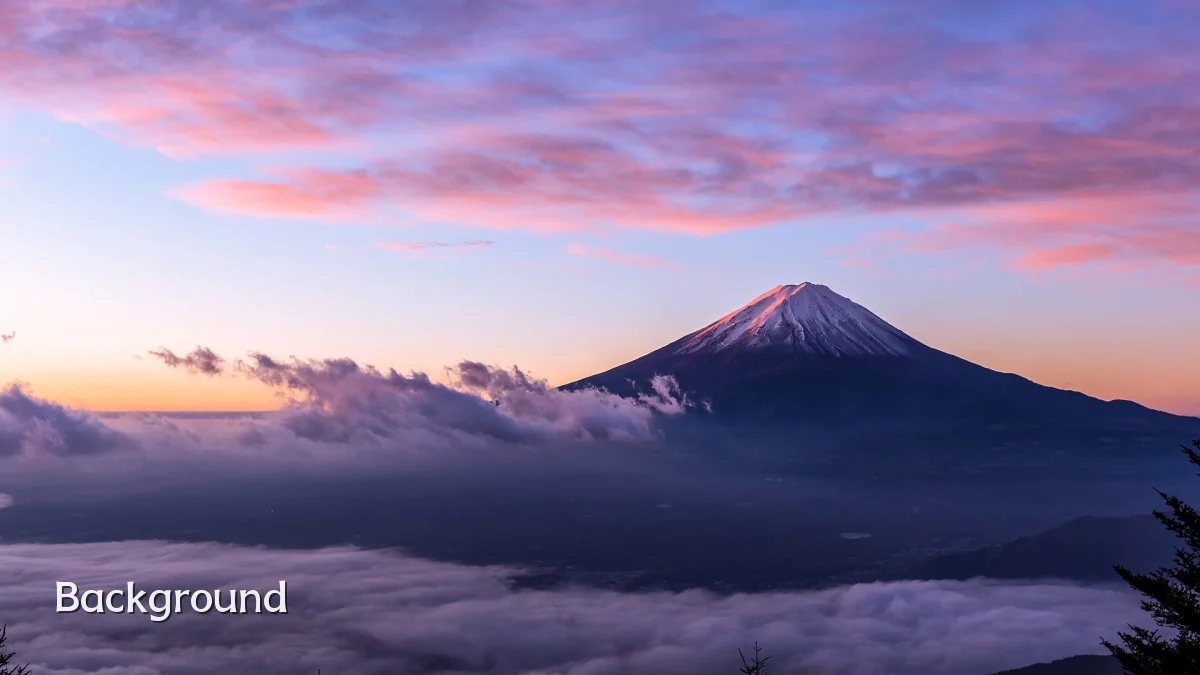
Over the past two to three academic cycles, a noticeable shift has emerged in how students curate their digital environments. High-definition wallpapers—once chosen purely for visual appeal—are now being selected with cognitive intent. The most popular categories among undergraduates currently include ultra-minimalist gradients, deep-focus nature scenes (forest canopies, ocean surfaces, mountain silhouettes), and textured monochrome backgrounds that reduce on-screen glare. Platforms like Unsplash and Pexels report that downloads for "study focus" tagged images have consistently ranked among the top search terms each August and January, aligning with semester starts.
Background: Why Backgrounds Matter for Cognitive Load
Research in environmental psychology has long suggested that visual clutter in a workspace can increase cognitive load, even when the person is not consciously looking at it. Digital wallpapers function as the background layer of a student's most used tool—the laptop or tablet. A busy, high-contrast wallpaper forces the brain to sub-process extraneous visual information, potentially reducing the attention span available for tasks like reading, coding, or problem-solving. Conversely, wallpapers designed with soft transitions, limited color palettes (often 2–3 hues), and a clear focal point can help anchor the gaze and reduce eye fatigue during multi-hour study sessions.
- Color psychology: Cool blues and greens are associated with calm and concentration, while warm reds and oranges may increase alertness but also risk overstimulation.
- Brightness control: Wallpapers with an average luminance of 30–50% typically cause less eye strain in low-light library or dorm settings.
- Resolution demand: 1080p or 1440p resolution is generally sufficient for a 13–16 inch laptop; 4K wallpapers may provide minimal additional clarity but can increase GPU load on older devices.
User Concerns: Practical Trade-Offs Students Face
While the benefits of a well-chosen HD wallpaper are widely discussed in online study communities, students report several recurring concerns. First, distracting details: a beautiful but complex landscape can sometimes pull focus away from an on-screen assignment. Second, device performance: on laptops with limited RAM or integrated graphics, cycling through high-resolution dynamic wallpapers every few minutes can cause noticeable lag or fan noise. Third, battery life: OLED screens draw more power when displaying bright, full-color backgrounds, leading some students to prefer darker or static wallpapers during marathon study days.
"I switched from a chaotic galaxy photo to a simple dark blue gradient with a subtle grid pattern. My focus definitely improved, but I also had to adjust my screen brightness because the dark background made text harder to read in daylight." — A second-year engineering student, quoted on a university forum thread.
Likely Impact on Study Habits and Productivity
The practical effect of a deliberately chosen HD wallpaper is likely modest but measurable for most students. Observational data from productivity tool users suggests that those who set a single, static "focus" wallpaper at the start of a study session tend to report fewer context-switching interruptions over a two-hour period compared to those who let their desktop cycle through a large album. The wallpaper acts as a visual cue—similar to a physical desk lamp turned on only for work—that signals the brain to transition into a focused mode. However, impact varies by individual: students with high sensitivity to visual stimuli may benefit more than those who already work well in noisy, visually rich environments.
| Wallpaper Type | Typical Use Case | Reported Focus Shift |
|---|---|---|
| Minimal gradient (2-tone matt) | Reading, essay writing, research | Moderate improvement (reduced distraction) |
| Nature scene (muted greens/blues) | Long study blocks, creative problem-solving | Moderate improvement (calm effect) |
| Dark abstract with subtle texture | Late-night coding or exam prep | Mild to moderate (reduces eye fatigue) |
| High-contrast pattern or photo | Short, high-energy tasks (e.g., flashcards) | Minimal or neutral (can be distracting) |
What to Watch Next
Looking ahead, several developments could reshape how students interact with their wallpapers. Adaptive wallpaper software that changes color temperature and complexity based on ambient light, time of day, or even the active application (e.g., shifting to a warmer, calmer background during reading mode) is already in early beta from independent developers. Integration with Pomodoro timers is also emerging—wallpapers that gradually shift from vibrant to muted as a study session progresses, offering a passive visual signal of elapsed time without requiring the user to look at a clock. Finally, as virtual and augmented reality study spaces gain traction, the concept of a "wallpaper" may evolve into a 360-degree immersive background that requires a new set of design principles for focus, comfort, and cognitive load management. Students selecting wallpapers this semester are likely making a small but meaningful choice that previews a larger trend in digital environment design.