Essential Criteria Every HD Wallpaper Enthusiast Should Check Before Downloading
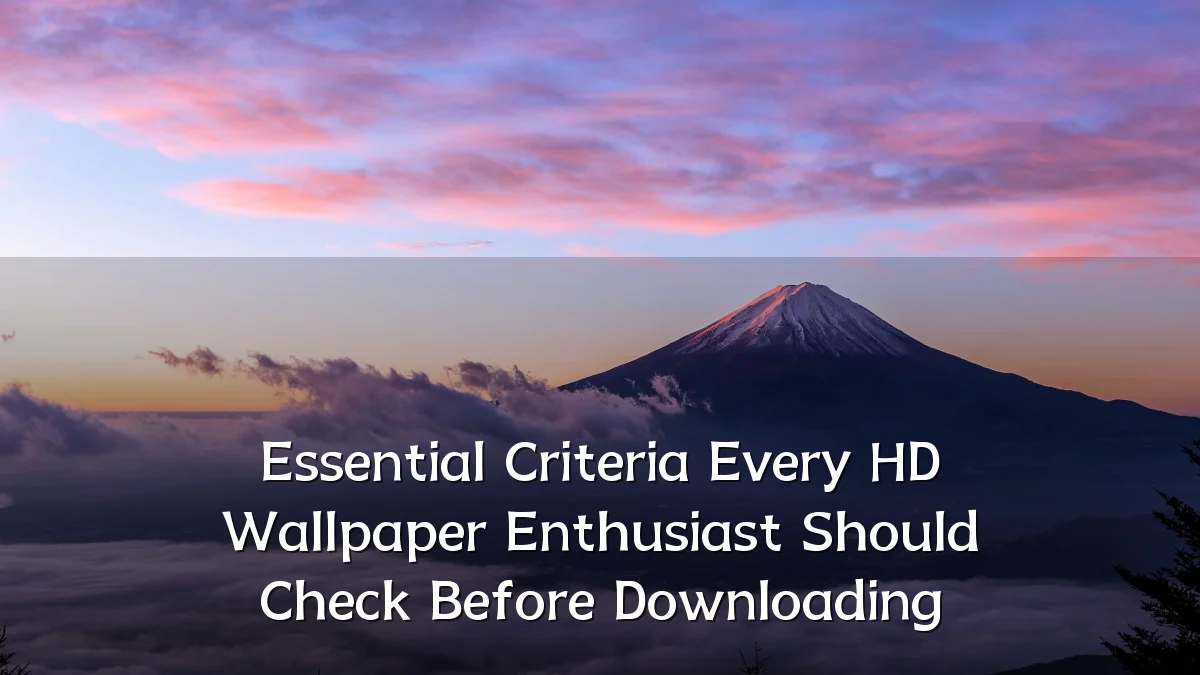
The market for high-definition wallpapers has expanded alongside the proliferation of high-resolution displays, from 27‑inch 4K monitors to mobile OLED screens exceeding 500 PPI. Enthusiasts now demand crisp, colour‑accurate images that scale perfectly—yet many downloads fail to meet basic technical or legal standards. This analysis examines the key factors every user should verify before adding an image to their collection.
Recent Trends in HD Wallpaper Consumption
Display technology has pushed wallpaper expectations well beyond simple HD (1280×720). Current trends include:

- Ultra‑HD and beyond: 4K (3840×2160) is now common, with 5K (5120×2880) and 8K (7680×4320) gaining traction among creative professionals and gamers.
- Aspect‑ratio diversity: Ultra‑wide (21∶9), dual‑monitor setups, and tall mobile screens (e.g., 19.5∶9) require images that don’t crop awkwardly.
- Community curation: Dedicated forums and subreddits vet submissions, but many free aggregators still host poorly sourced files.
- AI upscaling: Tools can inflate low‑resolution images to HD, often introducing noise or unnatural smoothing.
Background – The Evolution of Wallpaper Quality Standards
In the early 2000s, 1024×768 wallpapers were adequate for CRT monitors. As LCD panels became ubiquitous, 1080p emerged as the baseline. Today’s enthusiast lives in an ecosystem where a wallpaper’s true resolution, colour depth (8‑bit vs. 10‑bit), and file format (JPEG, PNG, WebP, AVIF) directly affect how it renders. A single bad download can ruin the synergy between desktop icons, taskbar, and background.

User Concerns When Selecting Wallpapers
Enthusiasts routinely face these pitfalls:
- Resolution mismatch: A 4K display forces a 1080p wallpaper to be upscaled, causing blur. Always match or exceed vertical pixel count without stretching.
- Aspect‑ratio cut‑offs: 16∶9 images displayed on a 21∶9 screen will have black bars or forced cropping. Check that the image’s ratio aligns with your monitor.
- Compression artifacts: Overly compressed JPEGs show blockiness in gradients (skies, sunsets). Favour PNG or high‑quality JPEG from trusted sources.
- Copyright ambiguity: Many “free” wallpapers are derivative or stolen. Verify the license (Creative Commons, royalty‑free, or explicit permission) before redistribution or commercial use.
- File size and format: A 20‑MB PNG offers better quality than a 2‑MB JPEG of the same scene—but may slow down system rendering on less powerful hardware.
- Colour profile misuse: sRGB is standard for web; Adobe RGB images may look washed out on SDR monitors. Check embedded ICC profiles.
Likely Impact of Ignoring These Criteria
Overlooking even one of these factors can degrade the entire desktop experience. A pixel‑stretched wallpaper on a 27‑inch 4K screen costs visual detail that many users upgrade hardware to achieve. Legal risks arise when copyrighted works are reposted or used commercially. On a technical level, extremely large files or unsupported HDR formats can cause wallpaper slideshow stutter or battery drain on laptops. Collectively, the community suffers when low‑quality images dilute the available selection, making it harder for creators to gain recognition.
What to Watch Next
Two developments will shape the enthusiast landscape. First, the gradual adoption of high‑dynamic‑range (HDR) wallpapers: operating systems (e.g., Windows 11, macOS) now support HDR backgrounds, but few sources correctly handle the required 10‑bit luminance metadata. Second, AI‑generated wallpapers are becoming indistinguishable from real photography—yet their licensing terms and artifact patterns differ from traditional images. Enthusiasts should expect new curation tools that automatically validate resolution, aspect ratio, and metadata before download. As display standards continue to shift, the checklist for a “perfect” wallpaper will only grow longer.