Creative Digital Background Ideas to Make Your Online Classes More Engaging

Recent Trends in Online Learning Environments
Since the widespread adoption of remote instruction, educators and students have sought ways to reduce visual fatigue and maintain focus during video sessions. A growing trend is the deliberate use of digital backgrounds—static images, subtle animations, or curated virtual sets—to create a more inviting and structured learning atmosphere. Platforms such as Zoom, Google Meet, and Microsoft Teams now offer native background customization, while external tools like OBS (Open Broadcaster Software) allow advanced layering. School districts and universities have begun providing approved background galleries to standardize the virtual classroom experience without requiring physical classroom setups.
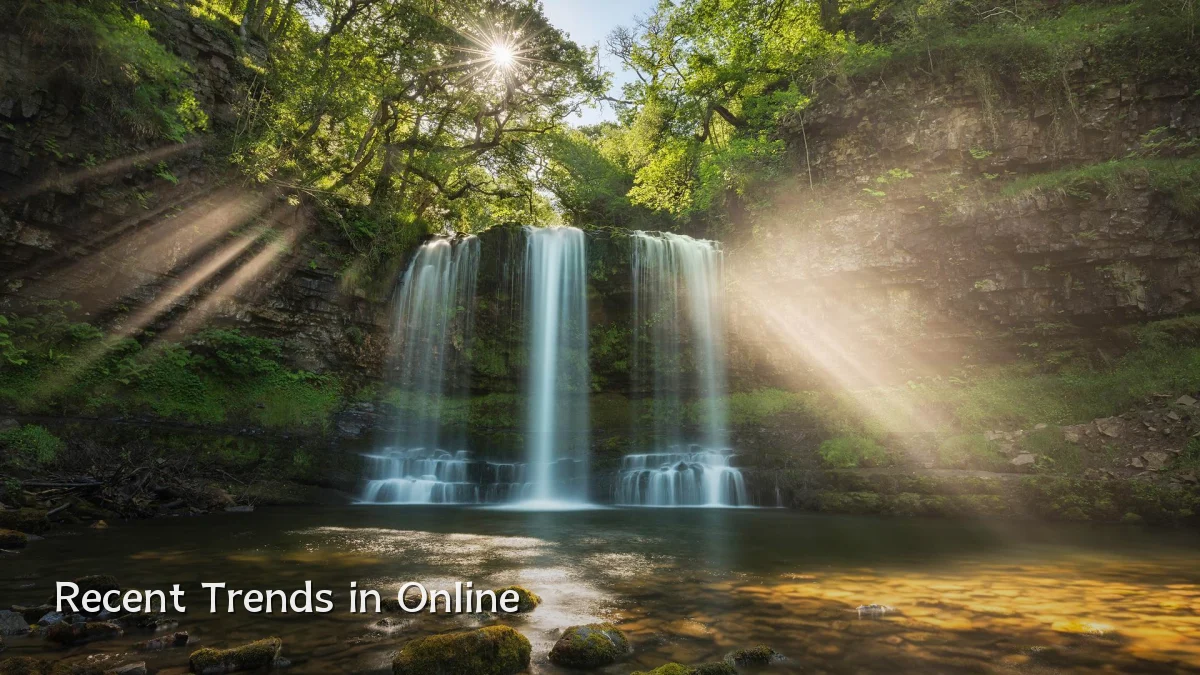
Background: Why Digital Backgrounds Matter for Student Engagement
Research into cognitive load and video conferencing suggests that cluttered or overly stimulating visual environments can distract both the speaker and the audience. A neutral, well-chosen background can help students focus on the instructor and content. Key considerations include:

- Visual consistency: A stable background reduces the cognitive effort of processing changing scenery behind the speaker.
- Personal expression vs. professionalism: Students often use backgrounds to share interests (e.g., favorite books, landscapes) while teachers may prefer muted tones or subject-related imagery (e.g., periodic table for science, world map for geography).
- Technical limitations: Lower-end laptops may struggle with real-time background replacement; pre-captured static images or simple virtual sets are more accessible.
User Concerns and Common Pitfalls
Despite the benefits, many users encounter practical issues when selecting or applying digital backgrounds. Common concerns include:
- Poor edge detection: Hair, glasses, or fast movement can cause “flickering” or partial disappearance of the subject.
- Lighting requirements: Even illumination is needed for smooth background removal; backlighting often leads to a halo effect.
- Distracting content: Animated or highly detailed backgrounds can draw attention away from the speaker, especially in longer sessions.
- Bandwidth usage: Real-time background processing may increase CPU load, causing lag or audio desync on older devices.
To mitigate these, many institutions recommend using a solid color or a softly blurred image with consistent lighting, and testing the setup before class.
Likely Impact on Classroom Dynamics and Student Outcomes
When implemented thoughtfully, creative digital backgrounds can improve perceived instructor professionalism and student engagement. Early feedback from pilot programs indicates:
- Increased participation: A themed background (e.g., historical setting for a history lesson) can serve as an icebreaker and prompt discussion.
- Reduced background anxiety: Students in shared living spaces can hide clutter or private areas, lowering self-consciousness.
- Learning cues: Teachers can change backgrounds to signal transitions—such as switching to a “quiet study zone” image during independent work time.
However, effects are context-dependent. For very young learners, simple, colorful backgrounds may be overstimulating, while older students might prefer minimalistic designs.
What to Watch Next
Look for several developments in this space over the next one to two academic cycles:
- AI-driven background generation: Tools that auto-generate contextual backgrounds based on lesson content (e.g., an abstract math concept visualized in the background).
- Accessibility improvements: Better support for low-bandwidth environments, and background designs that consider color contrast for students with visual impairments.
- Integrated virtual whiteboards: Backgrounds that double as interactive surfaces, allowing teachers to annotate directly on the background during presentations.
- Student-curated galleries: Platforms may offer shared libraries where schools upload approved, subject-specific backgrounds vetted for educational value and visual clarity.
As hybrid learning formats persist, the digital background is evolving from a simple novelty into a deliberate pedagogical tool. Educators who stay informed about platform updates and user best practices will likely see modest but meaningful gains in classroom engagement.